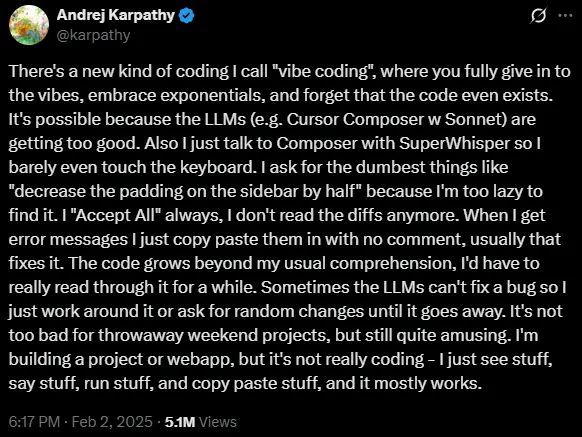
In an increasingly digital world, the ability to bring ideas to life through software has traditionally been limited to those with extensive coding knowledge. However, a revolutionary concept known as “vibe coding” is changing this paradigm, democratizing app and tool creation for everyone, regardless of their technical background. Coined by AI researcher Andrej Karpathy, vibe coding leverages the power of advanced artificial intelligence to translate natural language descriptions directly into functional code. This means you no longer need to learn complex syntax or programming languages; instead, you can simply describe what you envision, and the AI handles the intricate details of implementation, allowing you to focus on the “vibe” or overall outcome of your project. Here’s the tweet that started it all…
The Vibe Coding Gap
Today, AI can help write code. In some cases, it can even help determine what type of deployment to target and how to deploy it. But on it’s own, it cannot generate the components necessary to fully deliver a piece of software onto the internet.
I was having some discussions with Matt Mannino and he introduced me to these new all-in-one platform building applications. We looked over three as the primary examples:
-
Replit
-
Lovable
-
Base44
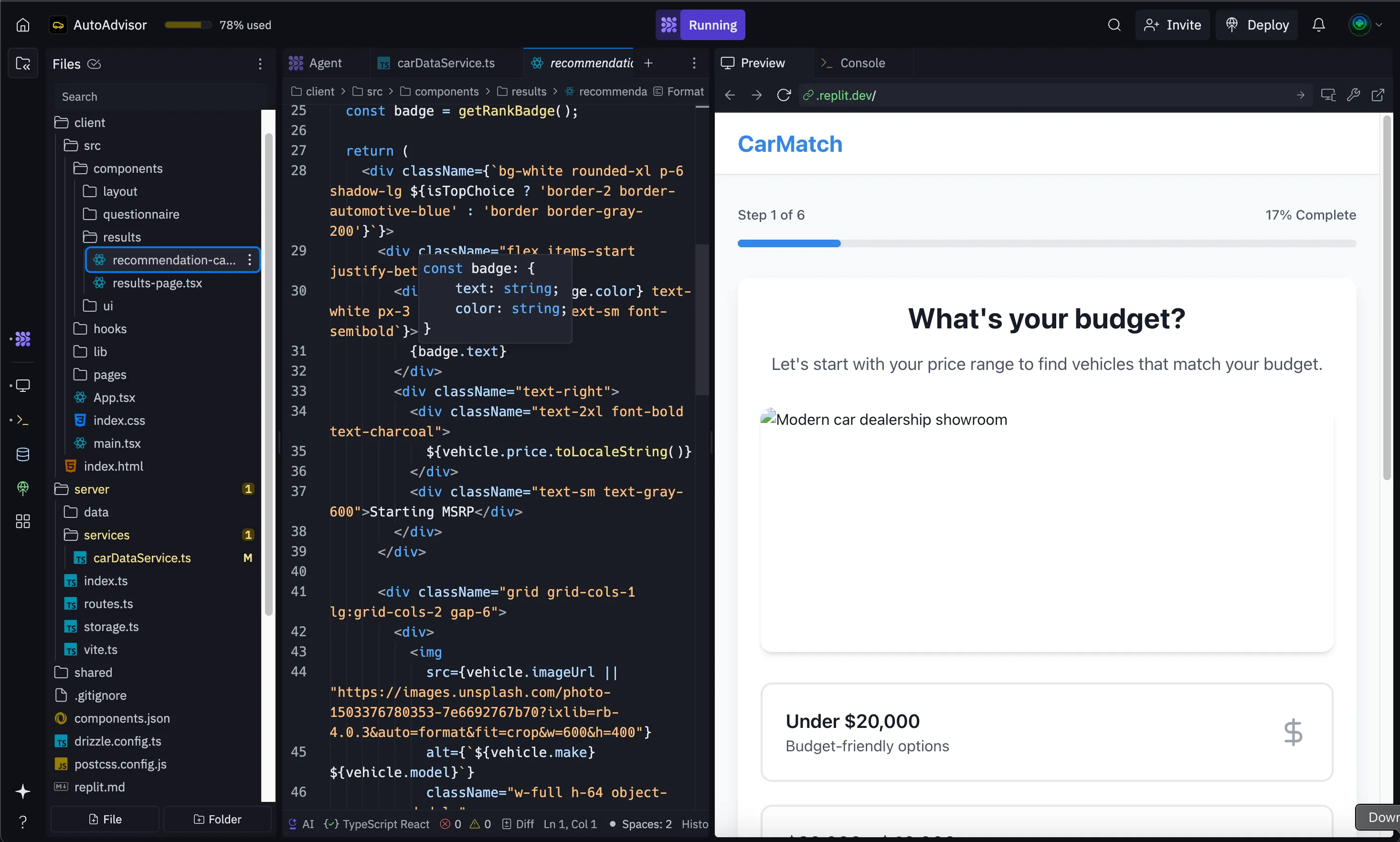
We generated some applications and web apps in these tools, and as a developer I was able to really look into what components were being built.
It’s seriously impressive what these apps put together, but they’re a very consistent design. This is good for editing for non-technical users, as you can start to build up simple patterns to make edits without using up credits on simple changes!
The idea of this short series of posts is to provide some insight into what these tools are generating and how a non-technical user can actually make updates without fully learning to code. Specifically, gaining the ability to edit these projects to save on edit credits!
As a software developer with roughly 10 years of experience, the idea of “vibe coding” sounded like nonsense. As AI got better, I was more impressed with the notion of non-technical individuals building code. But even as AI has increased massively in capability, it is still far from able to build software.
The reason for that, is that software development is a team sport and is about producing and delivering software, not just coding. There are a ton of other caveats besides simply writing code.
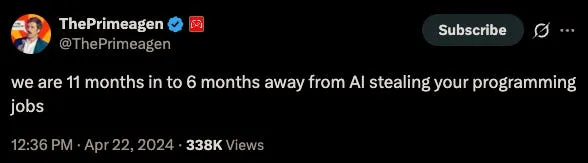
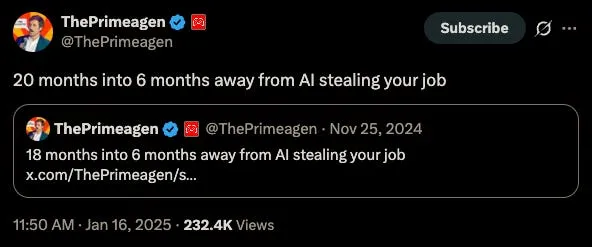
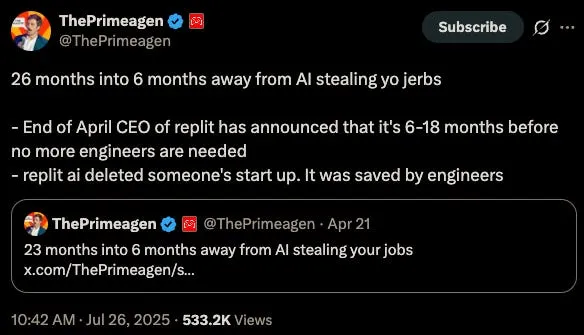
That said, there is now a market for the pieces of software developer that AI doesn’t or simply cannot handle. Such as two of…
The Big Three Components of Delivering a Software Product
In my experience working with the business organization at every job I’ve ever had, the best way to describe highly technical components of a system is to simply find a very accurate metaphor or analogy for the relevant pieces.
Trying to come up with something that accurately represents software as a whole was a little bit tough, but I heard a suggestion from my wife that set me down the path to the PERFECT set of analogies.
Nearly everyone is familiar with plays or performances on a stage, whether it be from their school years or attending stage performances as an adult. Looking at many parts of a professional stage production actually aligns nicely with deploying production software!
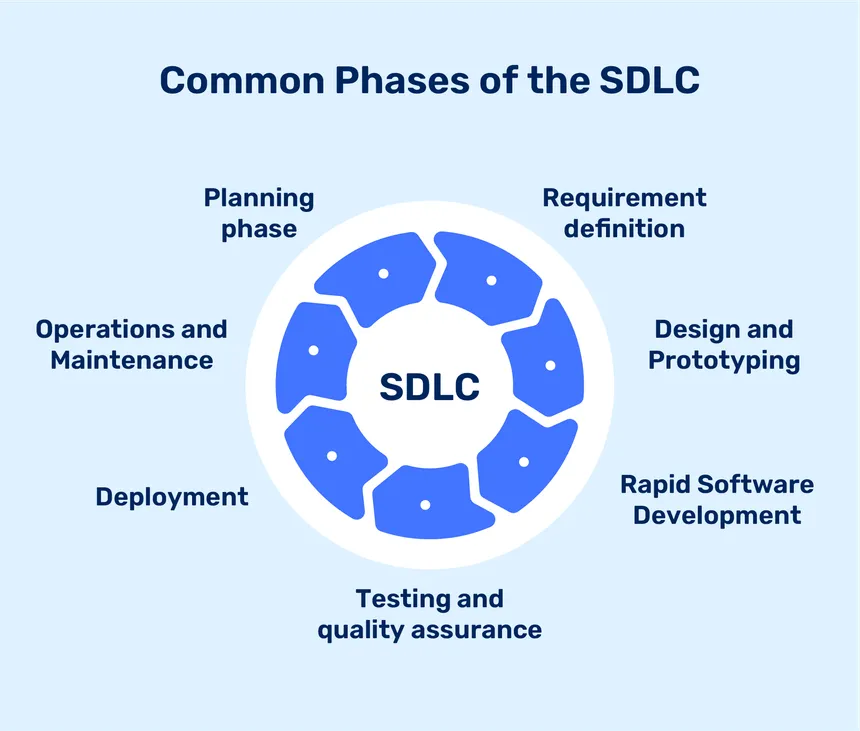
The first of the three components…
is writing actual code. This usually happens in a text editor of some kind and represents the business logic of an application.
This is effectively like a script to a theater production. Where the audience are the users, and the script is the code. This is really a surprisingly accurate analogy, because code doesn’t always handle every potential scenario, errors and issues are possible. The same way a well-rehearsed performance can go off the rails if something new and unexpected occurs.
Writing code is probably the most accessible component of the three. You can simply run your program on your computer, interact and debug it, and make updates in real time. Similar to writing and editing a script.
Technical users think of code as only the script, or the blueprint. The code isn’t really what’s running when you access a website or an application. That would be the…
second of the three components.
If our code is like the script, the computer itself is the set of actors, directors and stagehands running the production.
When deploying software to a web server so that users can access it on the internet or building an application for desktop or mobile devices, the code is actually transformed into a machine readable format.
This process differs immensely depending on the programming language. But you may have heard the terminology before, most commonly describe as “compiling”. This is only one type of transformation, but a “compiled” application would be ready to be executed.
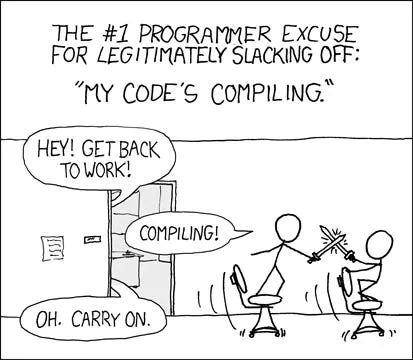
But in our example, we can think of our actors, directors and stagehands memorizing the script, the timings, music and transitions as our transformed software into a valid deployment. Once everyone knows their lines and positions, the production can actually be performed. Once the production is in motion, the script doesn’t really matter any more, it’s up to the production crew to get everything right!
From here, the analogy is still fairly strong. After all, you have the script that everybody can reference, and you have everyone ready to perform the production, analogous to a deployment artifact, waiting to be executed on the internet or any hardware. This is where the…
Third and final component comes in.
The deployment environment.
If you’re practicing programming on your laptop, you might write your code in a text editor, compile it into machine code for your computer to run (maybe a .exe for example) and then execute it.
In this case, your computer is the deployment environment. But we wouldn’t expect you to run your web project off of your laptop, so we have to configure a remote deployment environment.
Going back to our theater example, this is just like setting up the stage and having all of the production crew practicing the performance. The analogy goes even further however. Much like a crew can practice until they are perfect, it’s nothing unless they have a crowd.
This applies too in software. You need some way, some software and hardware route for someone to hop on their phone or laptop from their house (or a car in the middle of the highway, as a passenger of course), to reach out and touch your piece of software. This is part of the deployment environment.
Nowadays, this is done by deploying servers with a cloud provider, effectively renting their hardware to run your application. (Not unlike renting a theater to do your performance, where you only need to add the finishing touches but the seats, the doors, the lights are all already installed and working).
This is a very high level analogy, but I can tell you that it’s surprisingly accurate with the mentality someone would have to take if they want to deliver and deploy software, or put on a production from scratch.
Why These Tools are Great at Delivering Software
Going back to our tools like Replit, Lovable and Base44…
These tools are great because they fully handle two of the three components for you. You simply generate the code with AI, and it builds the deployment artifact in the background. From there, it has a deployment configuration that automatically takes that created artifact and deploys it for you.
This is GREAT for a user that doesn’t know how to do software development, but the more technical a user is, the better they can take advantage of these tools. Many of them allow you to edit the files directly, which can save a ton of money on prompts!
Since these tools are made using the latest and greatest AIs, a lot of the generated code will be similar across different apps. AI has a tendency to implement the most popular way of doing things, since that’s what is represented most in it’s training data. This creates patterns that you can start to recognize.
Fully non-technical users are at a disadvantage to technical users when it comes to utilizing these tools. For example, Replit has the following pricing tiers:
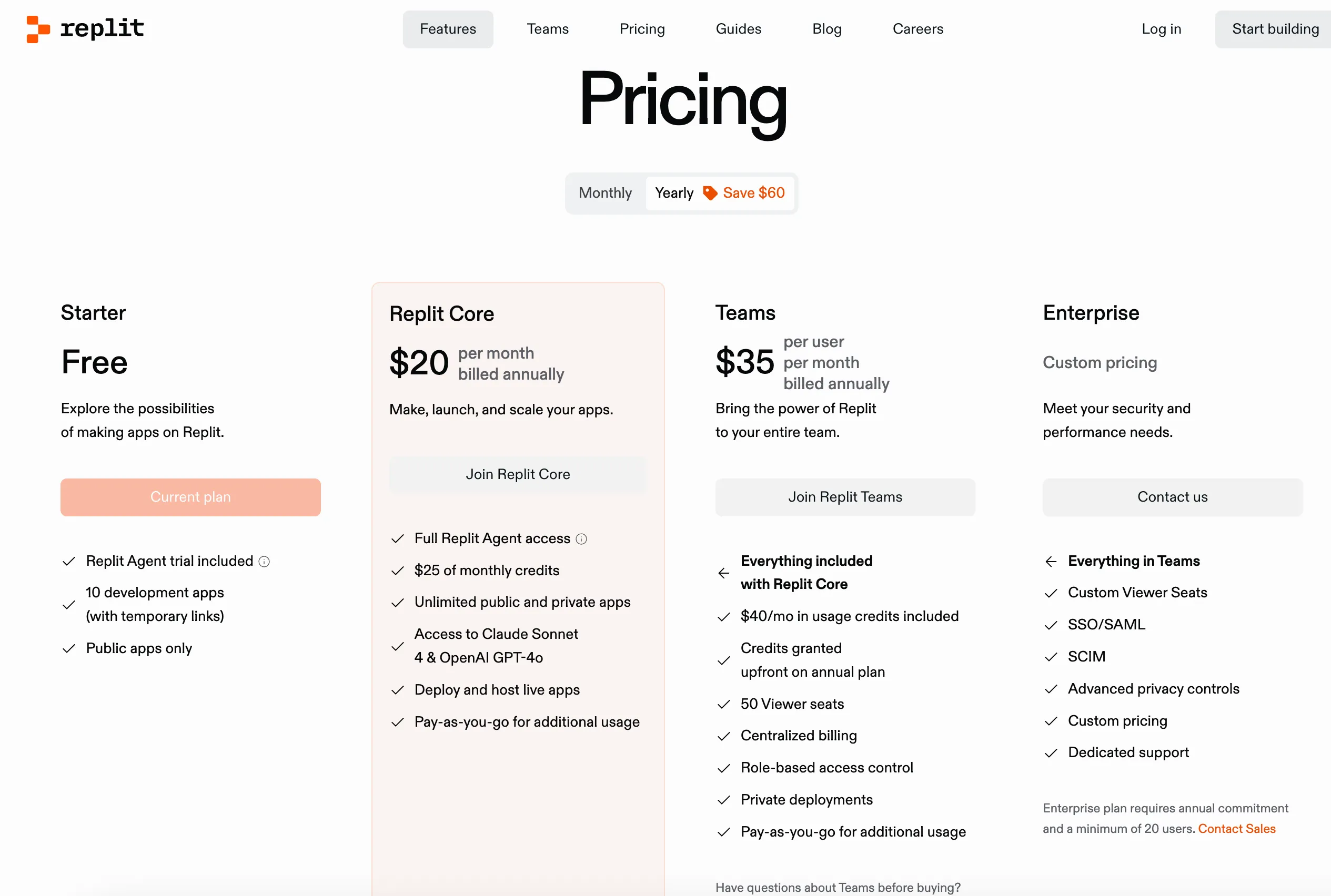
For $20 a month, you get $25 of credits and the ability to deploy and host your apps (though it doesn’t say how many!) There are hidden charges for the servers you’ll be using too, with unclear pricing laid out on the site.
On top of that, if you have a database, Replit charges you for how much storage you’re using and how much data is being processed.
Replit in this example has a stranglehold on your application! But they do do what it says on the label by handling all of the complicated pieces for you.
Part of the goal of this series to explain how to export your application from these tools and run them yourselves, cheaper and still using AI for software development.
Next Time
In the next post, I plan on walking through the creation of an application through one of these platforms and explaining what each of the files are. From there, I want to help any reader get comfortable looking through the generated files and learn how to make basic edits to save on prompts.